
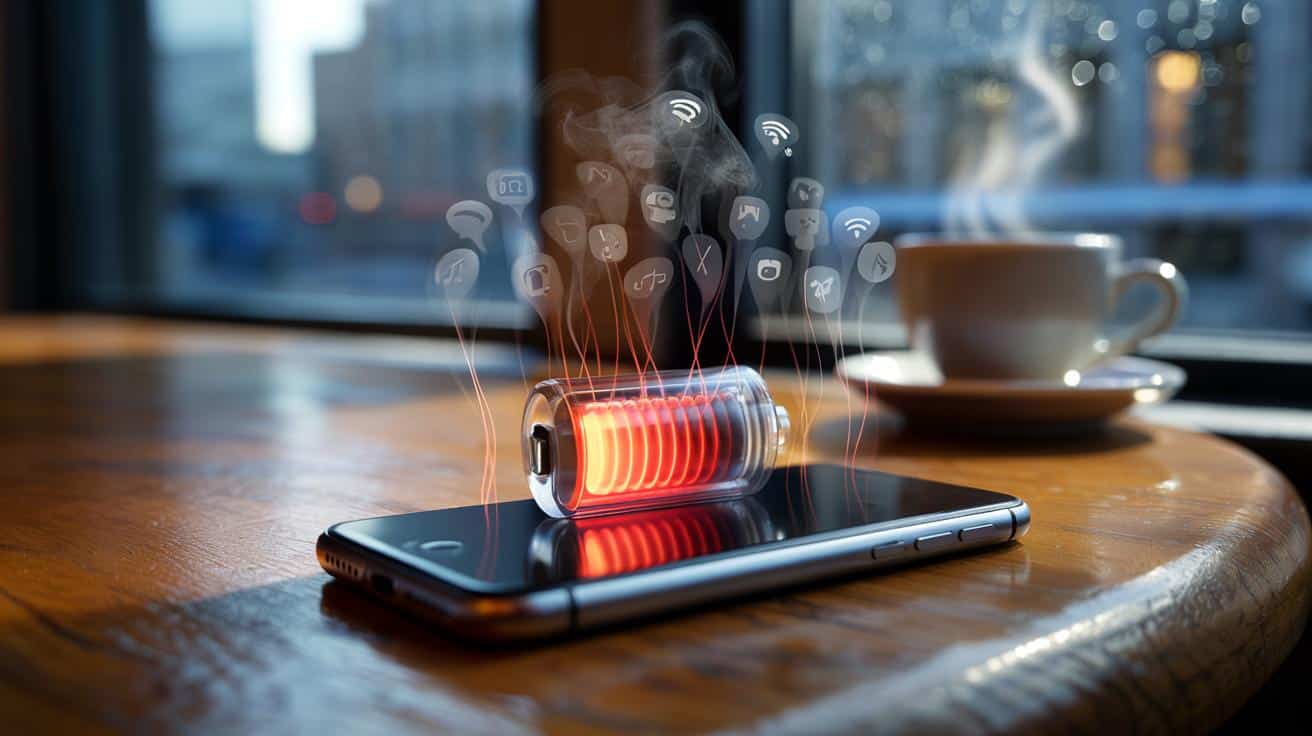
We’ve all lived that moment when a simple text takes your screen from green to amber, and you’re eyeing strangers’ wall sockets like treasure maps. The culprit isn’t magical. It’s a quiet switch buried in your settings that keeps your apps busy while you’re not.
I noticed it on a grey London morning, scrolling the headlines in a café while the city yawned awake. My phone was warm for no reason, like it had been jogging without me, and the battery slid down a notch with every sip. I wasn’t gaming, filming, or tethering a laptop. Just… existing. I could feel the battery draining even with the screen off, like a tiny leak you only notice when the bucket’s half empty. I went hunting in Settings, and there it was. One toggle, quietly feasting.
The vampire you toggle and forget
It goes by different names depending on your phone: Background App Refresh on iPhone, Background Activity or Allow Background Data on Android. Same idea, different badge. Apps get to wake up on their own, fetch new stuff, and ping your radios behind your back. You never see it, because the screen stays dark. This is the vampire: background app refresh.
I watched it play out with my mate Jess, a serial over‑charger who lives on the Tube. Her battery dropped from 92% to the low seventies before she’d even hit Oxford Circus, phone locked in her coat. We opened Battery settings and there it was — social apps, shopping apps, even a photo editor nibbling away with background activity bars longer than her actual screen time. We switched the permission off for the worst offenders and, like that, her phone went quiet and cool.
Here’s why it drains you. Every “refresh” wakes wireless radios, spins up the processor, and sometimes pokes Location or Bluetooth. Tiny tasks, repeated all day, add up to a measurable chunk. Push notifications don’t need this on most modern apps — the message arrives either way — but constant “fetch” and background syncing keep the lights on when you’re not looking. There are exceptions: maps that cache routes, music that preloads, backups and health syncing. Those deserve their pass. The rest? They can wait until you open them.
How to stake it: quick fixes that actually work
On iPhone: go to Settings > General > Background App Refresh. Switch it Off to go nuclear, or choose Wi‑Fi to stop cellular nibbling. Then return to Settings > [App Name] for your top time‑sinks and toggle Background App Refresh off per app. On Android: open Settings > Apps > See all apps > [App Name] > Battery > Restrict or Don’t allow background activity. On Samsung, it’s Settings > Battery and device care > Battery > Background usage limits. If you use accounts that auto‑sync, look at Settings > Accounts > Auto‑sync data and trim what you don’t need. Turn it off, and your day suddenly stretches.
Start with the greedy apps: social, shopping, news, and anything that doesn’t need to preload. Keep it on for navigation, music, cloud backups you actually use, and fitness sensors that sync in the background. Test it for a day. If an app feels slower or a key feature stops, give it back limited background access. Let’s be honest: nobody actually does that every day. That’s fine — you don’t need perfect. You need quieter, steadier, enough.
Small rule that helps: choose refresh for work, silence for the rest.
“Your battery breathes better when your phone stops checking things you don’t need checked.”
- iPhone: set Background App Refresh to Wi‑Fi, then disable it for Instagram, Facebook, TikTok, and shopping apps.
- Android: restrict background for social and retail apps; leave maps, music, and banking alone.
- Trim Auto‑sync for old email accounts you never open and cloud drives that don’t matter.
- Turn off “Wi‑Fi scanning” and “Bluetooth scanning” if you don’t use smart tags or auto‑location tricks.
- Check Battery > Usage to spot surprise hogs, then restrict them first.
A calmer phone, a longer day
Once you’ve tamed background refresh, the rhythm of your phone changes. Notifications still land, just without the constant low‑level hum. You’ll notice the warmth fade, the battery graph level out, the weird lunch‑time crash disappear. The best bit is invisible: your phone stops waking for nothing, and starts saving itself for you. Let your phone do less when you do less. Share the trick with the friend who always borrows a cable, the colleague who hoards battery packs, the parent whose phone dies before tea. It feels oddly satisfying, like closing a window on a windy day. Quiet, quick, and it sticks.
| Key point | Detail | Interest for the reader |
|---|---|---|
| Background refresh drains silently | Apps wake radios and CPU to fetch data while the screen is off | Explains the “why is my phone hot and dying?” mystery |
| Targeted switch‑offs beat blanket modes | Disable background for social/shopping; keep for maps, music, backups | Better battery without breaking the apps you rely on |
| Both iPhone and Android have controls | iPhone: Settings > General > Background App Refresh; Android: per‑app Battery settings | Immediate steps you can try in under two minutes |
FAQ :
- What exactly is “Background App Refresh” or “Background Activity”?It’s permission for apps to fetch data and run small tasks when you’re not using them, which wakes your radios and uses power.
- Will I still get notifications if I turn it off?Yes for most modern apps, because push notifications arrive via the system. Some apps may not preload content until you open them.
- Which apps should keep background access?Navigation, music and podcast apps, health/fitness trackers that sync, cloud backup tools you actually use, and anything that must upload in real time.
- Is Battery Saver or Low Power Mode enough?It helps in a pinch, but it’s a blunt tool. Trimming background refresh per app gives you control without slowing everything down.
- What drains more — 5G, brightness, or background refresh?Screen brightness and heavy navigation are big hitters. Background refresh is a steady drip that adds up daily, especially on busy app lists.







Turned off background refresh for Instagram, TikTok, and two shopping apps, and my iPhone stopped running warm. Commute drop went from ~25% to about 8–10%. Didn’t even miss notifications. The Wi‑Fi‑only tip is gold, and I’d forgotten about Wi‑Fi/Bluetooth “scanning.” Such a small fix that feels obvious after you do it. Definately sharing with my forever‑on‑1% friend. Thanks for writing this in plain English.