
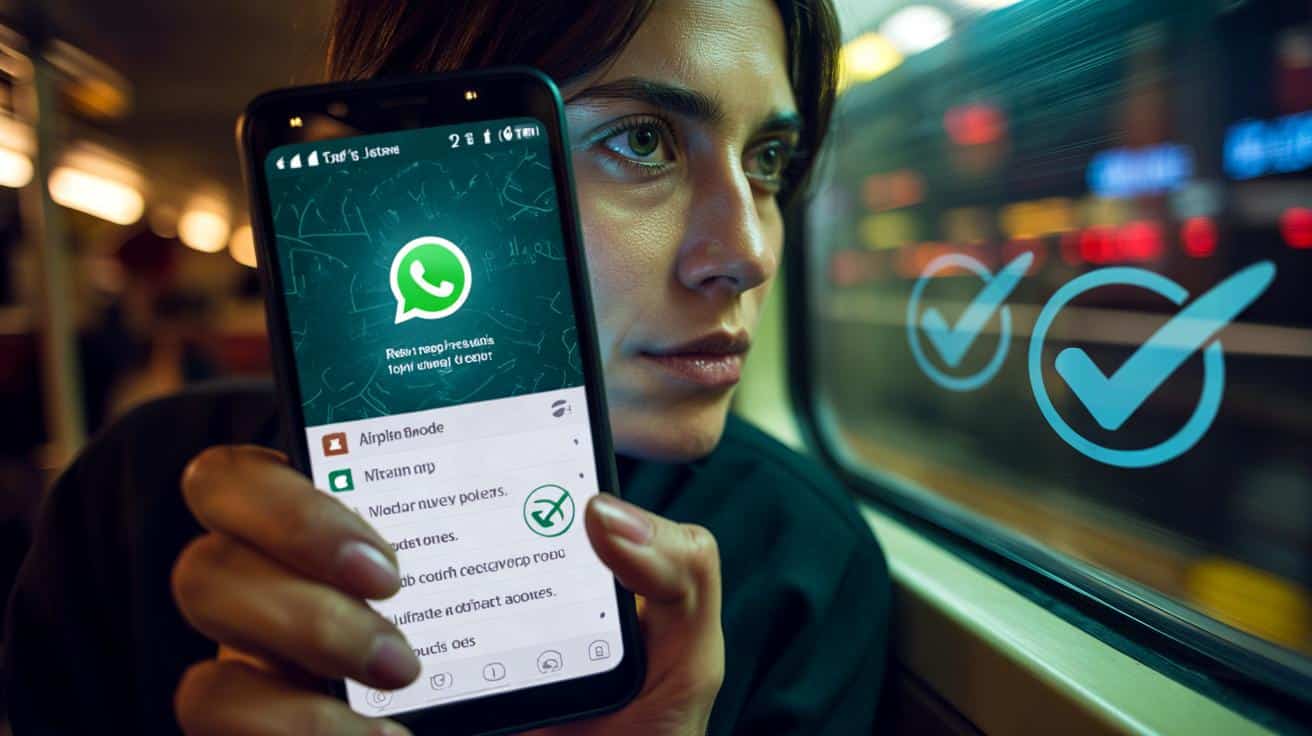
We all know the feeling: a message lands at the worst possible second, the blue ticks loom like a deadline, and you just want a moment to think without broadcasting your every move.
Two lines of text skim across the lock screen, just enough to spark a decision: read now and get pulled into the whirl, or wait and buy a sliver of quiet. The carriage hums, and you can almost see the internal maths — context, tone, timing, stakes — happening behind a barely raised eyebrow. That split second says a lot about the way we live now. We crave the message, yet we fear the expectation that follows.
WhatsApp’s blue ticks are tiny, but they carry weight. They’re the social contract in miniature, a promise of attention you may not be ready to give. There is a way to slow the world down for a beat. And nothing pings back.
Why those blue ticks feel so loaded
Blue ticks are small signals with outsized meaning, the difference between “I’m still thinking” and “I am ignoring you.” They turn a private moment — reading — into a public status update. The tension rises when life is messy and your head’s elsewhere.
One friend told me she read a late‑night message at 23:58, watched the ticks turn blue, and then stared at the ceiling for an hour. Another scrolled a crisis at a bus stop and didn’t want to reply with cold fingers and a foggy brain. We’ve all lived that moment when timing and words don’t line up.
Technically, read receipts in WhatsApp fire when a message is opened in the chat. That little change from grey to blue is the system saying, “seen.” Group chats work differently and broadcast read status to everyone. Voice notes and media carry their own signals too, revealing playback or opens even when you think you’re being careful.
Quiet ways to read without a trace
The cleanest route is the built‑in switch. Go to Settings > Privacy > Read Receipts and toggle it off. Your one‑to‑one messages won’t send blue ticks, and you won’t see others’ either. It’s not perfect: groups still show who has read, and some media types can reveal playback in their own way. Yet for many, that single move lowers the pressure instantly.
If you want a softer touch, lean on lock‑screen and notification previews. On iPhone, set Settings > Notifications > WhatsApp > Show Previews to Always, then read from the banner or lock screen without opening the app. On Android, enable sensitive content previews and expand the notification to see more lines. *It’s a tiny ritual that buys you time.*
There’s also the **Airplane Mode trick**. Flick Airplane Mode on, open the chat, read what you need, exit WhatsApp, then force‑close it before reconnecting. It’s fiddly and not foolproof — if the app syncs in the background, a receipt can still slip out. Let’s be honest: nobody really does this every day.
Boundaries, etiquette, and real life
Notifications are your stealth toolset when you’re mid‑meeting or mid‑life. Read from the banner, breathe, and answer when your head is clear. If you reply directly from the notification, remember that the act of responding can be its own signal, even if no blue tick appears yet. Slow is still a choice.
Switch off your “Last Seen and Online” to reduce the hallway‑light effect. Settings > Privacy > Last Seen and Online > Nobody keeps your status from stirring extra questions. Mute chats that spike your heart rate. Archive threads for a calmer inbox, then unarchive when you’re ready to re‑engage. Small tweaks, big relief.
Think of this as creating humane latency in a world that wants everything now. You’re not ghosting. You’re setting a tempo that suits the conversation and your day. Attention is finite. Silence can be kind.
“Privacy isn’t secrecy. It’s the space to choose your next honest sentence.”
- Toggle off **Read Receipts** for one‑to‑one quiet reading.
- Use lock‑screen or banner previews to scan without opening chats.
- Hide “Last Seen & Online” to lower ambient pressure.
- Try Airplane Mode sparingly, and force‑close before reconnecting.
- Remember: groups still show reads, and media can reveal playback.
How it actually works under the hood
WhatsApp’s delivery states are simple on the surface — one tick sent, two ticks delivered, two blue ticks read — yet the triggers are nuanced. Blue ticks appear when the app registers that chat as opened on any linked device. Notifications don’t count, which is why reading from the banner is so powerful.
Disabling read receipts flips a privacy flag for your account in one‑to‑one chats, synchronised across your devices. It’s mutual by design: if you choose not to tell others, you don’t get told either. Groups ignore that flag, since coordination depends on visible reads. Voice notes and “view once” media introduce their own events — pressing play or opening the media fires a signal, independent from text.
Linked devices mirror your state. If you read on desktop with receipts on, everyone sees it. If you skim via the system’s notification preview on your phone, the app doesn’t count that as an open. That simple difference is your invisible window. The trick is to stay on the outside of the app until you’re ready to step in.
Quiet ways to read without a trace (step‑by‑step)
Method 1: the settings switch. iPhone and Android: open WhatsApp > Settings > Privacy > Read Receipts > Off. That’s it. Pair it with Privacy > Last Seen and Online > Nobody, and your presence gets calmer still. Your chats continue, minus the clock‑watching.
Method 2: notification previews. iPhone: Settings > Notifications > WhatsApp > Show Previews > Always. From the lock screen, press and hold the notification to expand and read multiple lines. Android: Settings > Notifications > App notifications > WhatsApp > Allow notifications and enable sensitive content; expand the banner to read more before it disappears. If messages stack, swipe down to unfold the thread.
Method 3: the **Airplane Mode trick**. Toggle Airplane Mode. Open the chat, read, then go back to WhatsApp’s main screen. Force‑close WhatsApp (iPhone: swipe up from the app switcher; Android: App Info > Force stop). Turn connectivity back on. It reduces the chance of a read receipt syncing the moment you reconnect, though it’s not bulletproof. Use it when stakes are high and time is short.
What not to do when you’re trying to stay unseen
Don’t open the chat “just for a second” and hope it won’t register. It will. Don’t play voice notes if you’re in stealth mode; playback can tip your hand even with receipts off. And don’t rely on “Mark as Unread” — that only flags things for you, not for them.
If you reply from a notification, be aware that you’ve sent a reply. That tells its own story, with or without blue ticks. Think of replies as a choice to re‑enter the room. If you need time, read silently and come back later with a fuller mind.
One more real‑life note: share your boundaries with the people who matter. “I sometimes read on the go and reply when I land” lowers friction for everyone. The tech helps, but it’s the expectation‑setting that unlocks genuine ease.
What this says about how we message now
We’re not dodging responsibility. We’re reclaiming pace. The tools above let you peek without committing, so you can craft replies that sound like you rather than a harried version of you. That’s healthy. It keeps friendships from becoming customer‑service threads.
Your future self will thank present‑you for adding small buffers between stimulus and response. Read in silence while you’re walking the dog. Draft later when the kettle’s on and your tone is warm, not clipped. The conversation improves, and so does your day.
The blue tick will always mean something. The meaning gets kinder when you’re the one giving it, on your time, on your terms. The quiet is there if you want it.
| Key point | Detail | Interest for the reader |
|---|---|---|
| Turn off Read Receipts | Settings > Privacy > Read Receipts > Off (one‑to‑one only) | Instantly removes blue‑tick pressure in private chats |
| Use notification previews | Read from lock screen or banners without opening WhatsApp | Skim messages invisibly, keep your head clear |
| Airplane Mode trick | Disconnect, read, force‑close, reconnect to reduce sync | Last‑resort stealth when timing is delicate |
FAQ :
- Do read receipts apply in group chats?Yes. Groups always show who has read messages, even if you’ve turned off read receipts for one‑to‑one chats.
- Can people still see when I’m online?You can hide it: Settings > Privacy > Last Seen and Online > Nobody. That removes the “online” signal for others.
- Does expanding a notification send a read receipt?No. Reading from lock‑screen or banner previews doesn’t mark messages as read, since the app isn’t opened.
- How can I listen to a voice note without sending a read?Avoid playback inside the app. If you need absolute stealth, wait or ask for text. Voice‑note playback can reveal itself.
- Does “Mark as unread” hide that I’ve opened a chat?No. It’s only a personal reminder. The sender still sees the read state if your receipts are on.








Finally, a guide that treats attention like it’s scarce. Toggled off read reciepts and it already feels calmer—thanks!
Isn’t turning off read receipts a bit antisocial? Feels like we’re normalizing dodging people instead of just saying “I’ll reply later.”