
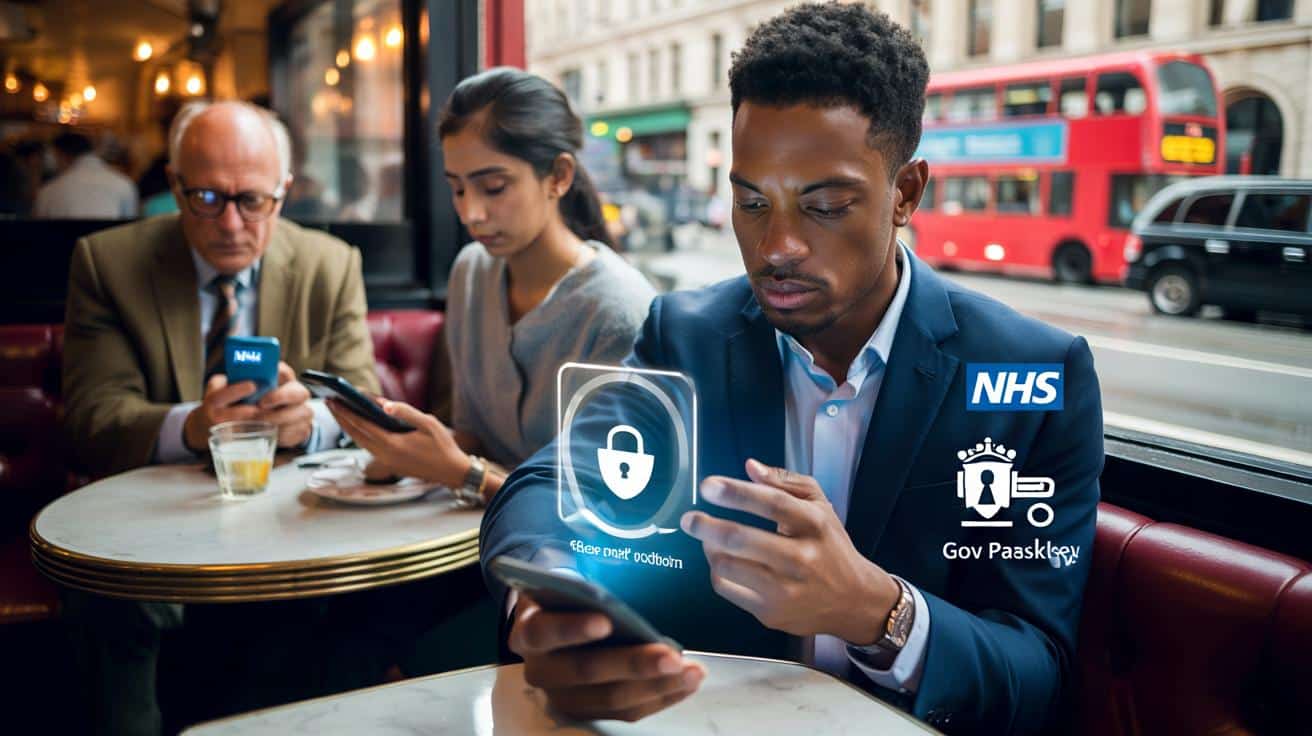
It’s not scaremongering. Ignore the banners for too long and you risk being shut out of everyday essentials.
The café was loud with lunchtime clatter when three people at the next table all looked down at their screens at once. A familiar bubble: “Update required to continue.” One was the NHS App, another a bank, the third a government login page loading inside a browser. The eldest in the group sighed, “Do I really have to do this now?” The youngest had already hit “Update,” thumb pressed on Face ID, the way you flick on a light switch without thinking.
We’ve all lived that moment where your phone decides the rules mid-task. *And you’re left wondering if you’re the only one who missed the memo.* The truth: the memo landed quietly, but it’s real. The new digital ID standards are here, and they’re rolling through your apps. The message won’t wait.
The ‘mandatory update’ everyone’s seeing, decoded
Here’s the plain-English version. A wave of updates is rolling across UK apps that verify who you are — NHS, banking, deliveries, and the government’s expanding GOV.UK One Login. These aren’t cosmetic tweaks. They switch on newer, safer sign-in tech like passkeys and built-in biometrics, and they bring apps into line with the UK’s Digital Identity and Attributes Trust Framework. **This is not a new national ID card.** It’s a set of rules about how apps prove you are you, with less faff and less risk.
Take Maya in Leeds. She tried to view a hospital referral on the NHS App and hit a wall: “Update required for secure login.” Two taps later, the app asked for her phone’s face unlock instead of a password. She was in within minutes. The NHS App now has well over 30 million users, and many will see the same prompt as secure login methods become standard. Multiply that by banking apps, parcel services, and government portals, and you get a tide of “mandatory” updates that feel sudden because they arrived everywhere at once.
Why the push now? Because phishing-resistant logins and verified attributes cut fraud dramatically and make account takeover harder. Passwords are brittle; device-bound keys and liveness checks aren’t. Services handling prescriptions, tax records or age verification can’t keep relying on old sign-in flows. Older operating systems and app versions simply don’t support the latest cryptography or on-device biometrics. So the “mandatory” bit is practical: update or lose access to things that matter.
What to do today: the five‑minute phone check
Start with your system. On iPhone, open Settings > General > Software Update. On Android, Settings > Security or System > System update. Then open your app store and search: “NHS App,” your bank, and “GOV.UK One Login.” Tap Update. Inside each app, turn on biometric login and add a passkey if offered — it lives securely in iCloud Keychain or Google Password Manager. Snap a clear photo of your ID only when prompted by the official app, not a link in a text.
Clear space first. Delete the 400 photos of your dog’s left ear and old offline maps. Updates fail when storage is choked. Use Wi‑Fi if your data plan is tight. If an app asks to confirm your email or number, do it so codes land in the right place. **Let’s be honest: nobody really does that every day.** If you help an older relative with tech, do this shoulder to shoulder — tiny steps, and no rushed surprises at the pharmacy counter.
“Passkeys and verified attributes are the seatbelt of modern identity,” says Rina Patel, a UK cyber risk adviser. “You forget they’re on — until the day they save you.”
- Open Settings and install your system update first.
- Update the NHS App, your bank, and GOV.UK One Login.
- Enable Face ID/Touch ID or Android biometrics inside each app.
- Add a passkey when prompted; it’s faster and harder to phish.
- Verify your email and mobile number for code delivery.
- Store a backup sign-in method in case your phone is lost.
Privacy, choice, and what tomorrow looks like
Here’s where the conversation gets human. You’re not being forced into one master app, and you still have choices — paper IDs, in-person checks, and phone support won’t vanish overnight. **No, you’re not required by law to download any one app.** Yet the gravitational pull is obvious: services will prefer the quickest, most reliable identity proof, and that now lives in your phone’s secure hardware. The trade-off is real. Convenience, yes; a small risk of lockout if your phone is too old, too full, or simply dead at the wrong moment. That’s why this matters now, not on the day you need antibiotics or a tax refund. If you look after a neighbour’s tech or help your parents with theirs, this five‑minute check is a small act of care. **Ignore the prompts and you may still find yourself locked out of the services you rely on.**
| Key point | Detail | Interest for the reader |
|---|---|---|
| Updates aren’t cosmetic | They enable passkeys, biometrics and verified attributes under the UK trust framework | Faster logins, fewer passwords, tougher security |
| Act before you need access | Apps and OS need to be current or features may stop working | Avoid last‑minute lockouts at GP, bank, or parcel pickup |
| Privacy and control remain | Choice of methods persists; data stays with providers, not a central ID card | Use modern convenience without giving up autonomy |
FAQ :
- Is a digital ID now mandatory in the UK?Not in a legal sense. It’s becoming a practical requirement for many services that need to prove you’re you. You can still use alternatives in many cases, but the smoothest route will be digital.
- Which apps should I update first?Start with your phone’s system update, then the NHS App, your main banking app, and GOV.UK One Login if you use government services. Check delivery and parcel apps you rely on as well.
- What if my phone is too old?Some older devices can’t support the latest secure logins. You can try web versions on a newer computer, request paper routes, or consider an affordable handset upgrade if you depend on these services often.
- Will the government be able to track everything I do?No. Digital identity under the trust framework is about verifying attributes (like “over 18” or “this is your account”), not creating a single centralised database of your life.
- How long does the update take — and will I lose my data?Typical app updates take a few minutes on Wi‑Fi and won’t delete your data. System updates can take longer; back up important photos and files first as good practice.








So it’s “not mandatory” but if I don’t update I can’t get into NHS or my bank? That feels mandatory in practise. What about people with older phones or low storage—do they just loose access? My mum’s Android is ancient; this could be a right faff at the pharmacy.