
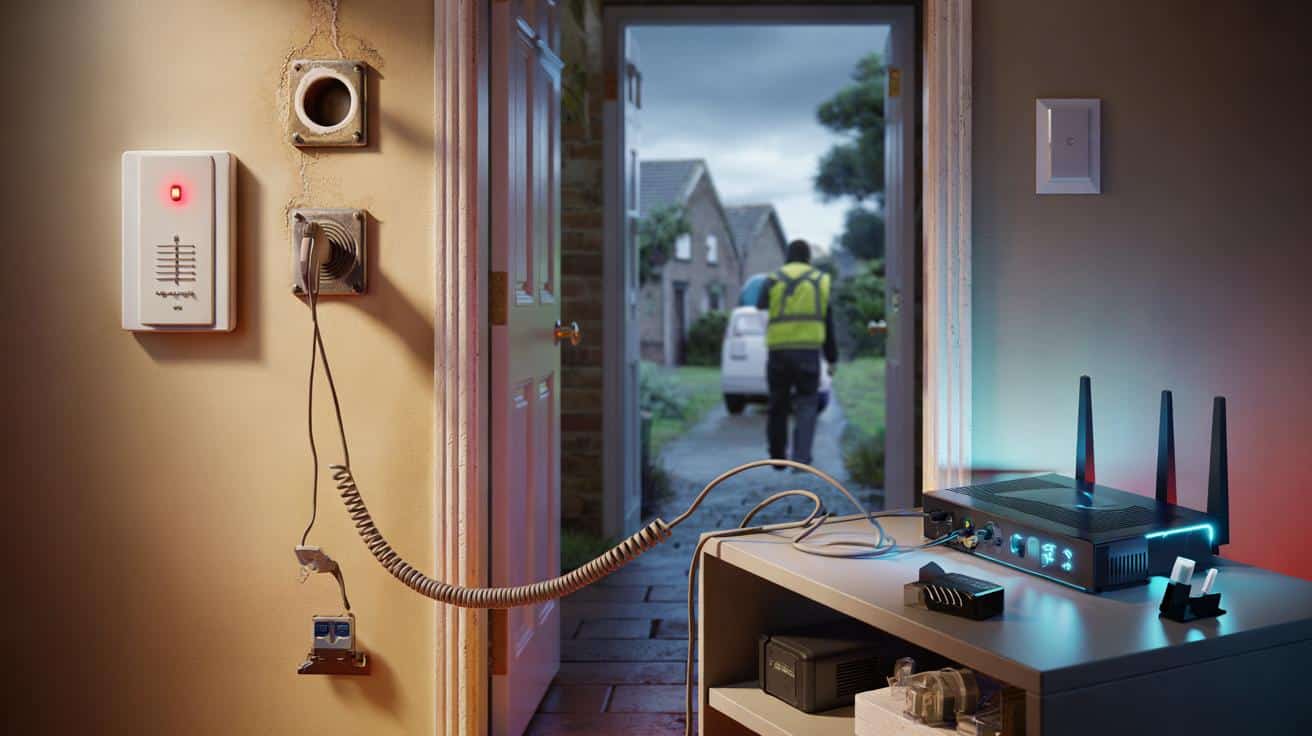
If your home alarm still dials out over a landline, the “Big Switch‑Off” could silence it at the very moment you need it. Here’s what that shift to all‑digital really means for your beeping box in the hallway, and the calm steps to take this year.
On a grey Tuesday, a van slides into a cul‑de‑sac and an engineer shoulders a coil of cable to your door. The kettle clicks, the dog is curious, and your phone socket becomes, in a few tidy moves, a port on your broadband hub. The landline still rings, but it now rides your internet. The engineer smiles, tests the dial tone, and leaves a pamphlet behind.
Later, the house is quiet. You notice the alarm panel blinking, a tiny red fault light you’ve never seen before. You tap the code out of habit and hear… nothing. Then a thought lands, heavy and plain. What about the alarm?
The Big Switch-Off meets the beeping box in your hallway
Across the UK, providers are moving homes from copper‑based PSTN lines to digital voice over broadband. It’s neat for calls and caller ID. It’s not so neat for older security systems that dial a monitoring centre on a phone number. Those boxes were built for a world where dial tones live in the wall forever. Now that tone lives in your router, and your router lives on mains power.
One Manchester reader told me her alarm called her phone every time she armed it, a comfort she didn’t know she relied on. After her line went digital, the calls stopped. The box still beeped, the sensors still clicked, but the message got lost between the panel and the shiny new hub. Multiply that story by hundreds of thousands of legacy panels, and you get the scale of what’s shifting. Around 1.7 million people also rely on telecare and pendant alarms, where silence isn’t an option.
Here’s the practical bit. Old “digital communicators” dial out like a fax machine and expect a copper path. Digital voice can clip, buffer, or drop that tone, especially through a power cut. Broadband routers also reboot. Alarm signalling needs a path that stays alive when the lights don’t. That’s why professional systems now move to IP modules, cellular SIMs, or both at once. **Dual-path signalling** isn’t a buzzword; it’s the simple idea that if one road is blocked, the other carries the call.
What to do now: a calm, practical playbook
Start with a five‑minute check. Look at your alarm panel: is there a thin telephone lead running to a wall socket, labelled “TEL” or “LINE”? That’s a landline dialler. Note the make and model on the sticker inside the panel door. Then call your installer or monitoring centre and ask one thing: does my system use PSTN, and what’s the recommended upgrade path this year? Most will offer an add‑on communicator (IP, 4G, or both) that slots in and switches the panel to digital reporting.
Don’t wait for a letter from your broadband provider to prompt you. Upgrade bookings are stacking up as migrations roll through each town. The swap can be quick — often under two hours — but it’s smart to plan. **Call your alarm company** before your voice service migrates, or as soon as you get a date. If your alarm is bells‑only, you can keep it as is, but you lose remote alerts. If it’s monitored, you want the path tested end to end. Let the monitoring centre know if your phone number has changed inside the hub.
Let’s talk pitfalls with kindness. People leave the alarm’s phone lead plugged into the new hub and think job done. It might work today, then fail in a storm. Routers don’t like outages. Wi‑Fi isn’t a signalling path. And those little plug‑in battery packs you get with some hubs only hold for a short spell. **Battery backup** belongs with your alarm and with your broadband gear, or you need a cellular path. Let’s be honest: nobody tests their alarm every week.
“The landline going digital isn’t the problem; it’s a change of expectations,” says Alex, an installer in Kent. “Alarms must talk clearly, even in the worst minute of the worst day. We give them two voices now.”
- Identify your panel model and whether it dials via PSTN.
- Book an upgrade to IP + 4G, or at least one resilient path.
- Add backup power to the panel and router, or choose a cellular path.
- Run a monitored test call with your ARC after any change.
- Update your contact numbers and keep them current.
What this change really means for home security
We’ve all had that moment when the power trips and the house goes oddly quiet. In that hush, you want the alarm’s voice to carry on, steady and sure. The switch‑off is nudging every household toward that standard. A modern communicator checks in with its monitoring centre often, not just at the moment of crisis. If the link goes off, you hear about it before the rest of the world notices the rain.
There’s also something freeing about cutting the dependence on a single piece of wire to the street. IP modules ride your broadband, cellular modules roam to the best network, and many use both at once. *This isn’t about gadgets; it’s about who picks up when you need help.* In plain terms: if you want police response through an ARC, you need a signalling grade that meets today’s rules. If you prefer self‑alerts on your phone, you still want a path that’s there when your Wi‑Fi isn’t.
Costs vary. A communicator module plus fitting can be cheaper than a new panel, and many old panels can be upgraded cleanly. Ask for a service plan that includes SIM data and remote diagnostics. Some providers bundle a small UPS for your router. Others offer cloud reporting that lets an engineer see faults before you do. The goal is not perfection — it’s resilience. A system that fumbles, then recovers. A system that tells you what it’s doing, in time to matter.
There’s a bigger story behind the kit. Neighbours are swapping notes about outages; adult children are checking in on parents with pendant buttons; insurers are quietly refreshing their small print. The Big Switch‑Off isn’t a cliff so much as a tide rolling in, postcode by postcode. Homes that ride it well will be the ones that treat the alarm as a living thing, not a relic screwed to plaster in 2009.
Talk to your provider. Ask about dates in your area. Share what you learn in the street WhatsApp group, because someone three doors down is wondering if their old box still calls out. The technology is ready, the installers are busy, and the fix is often simpler than you fear. A little planning now buys a lot of calm later. The red light on the panel can go back to green.
| Key point | Detail | Interest for the reader |
|---|---|---|
| Check how your alarm talks | Look for a phone lead to a wall socket; ask if your panel uses PSTN | Quick way to spot risk from the switch‑off |
| Upgrade the signalling path | Fit IP + 4G communicator for **dual-path signalling** and alerts | Keeps monitoring live during outages |
| Protect against power loss | Panel battery and router UPS, or a cellular‑only path | Maintains calls when the lights go out |
FAQ :
- Will my alarm stop working when landlines are switched off?If it dials over PSTN to a monitoring centre, the dial‑out may fail on digital voice or during a power cut. The sensors and siren still work locally. An IP or cellular communicator keeps remote alerts alive.
- How do I tell if my system uses the landline?Check for a small RJ11 phone lead from the alarm panel to a phone socket. Your paperwork may say “digital communicator” or list a dialler number. Your installer or ARC can confirm in minutes.
- Do I need broadband for a modern alarm?No. Many communicators use 4G with a managed SIM. If you have stable broadband, IP plus 4G gives you two paths and faster reporting.
- What about power cuts?Broadband routers usually die without mains. A router UPS extends runtime. A cellular path bypasses the router and keeps signalling alive while the panel runs on its own battery.
- How much does the upgrade cost?Prices vary by panel and provider. Expect a one‑off for the communicator and fitting, plus a monthly or annual fee for SIM/data and monitoring. Ask for a quote that includes test calls and remote support.








Clear, calm explainer—thanks. I’d defnitely missed that my “landline” now rides the router and dies with it. I’m going to call the installer about dual‑path (IP + 4G) and a small UPS for the hub. Any brand recs for reliable router battery packs?