
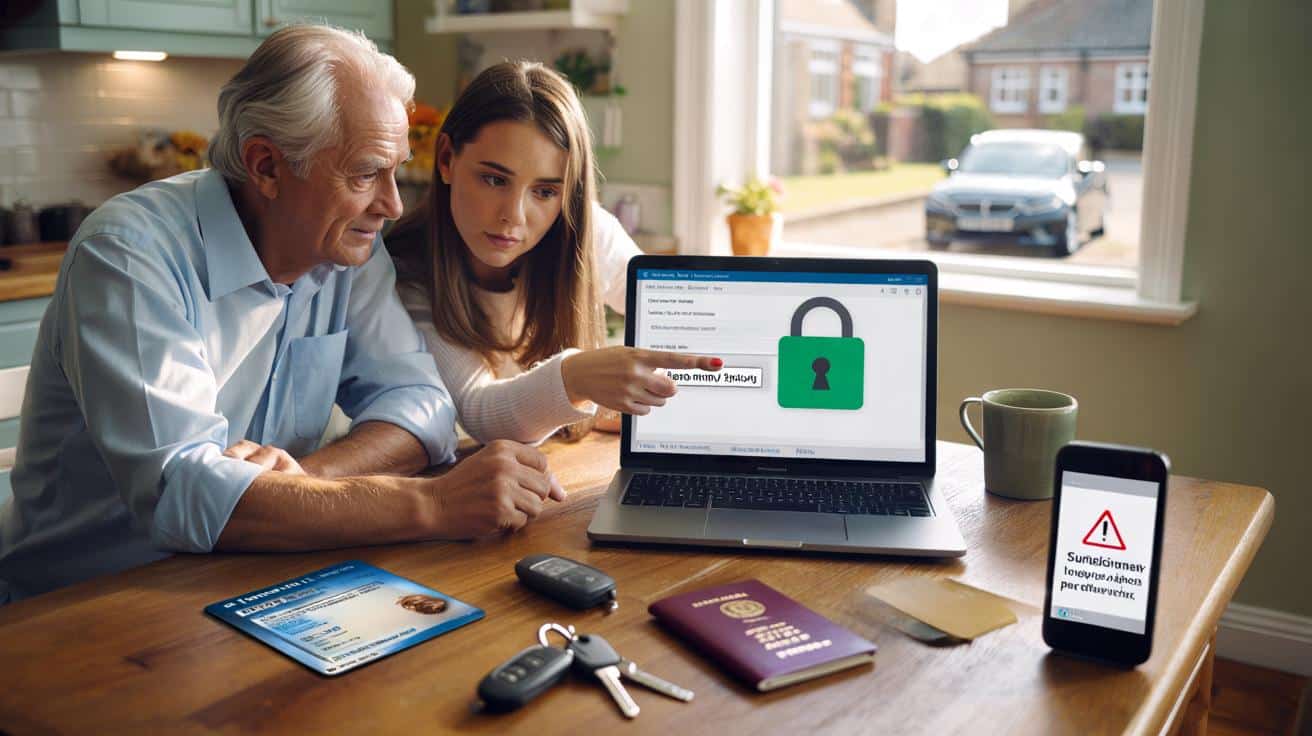
The DVLA is urging drivers aged 70 and over to renew their licence using one “safe” link only — because scam sites and fake texts are multiplying. Copycat pages charge sneaky fees. Phishing messages steal card details. The official route is free, quick, and secure — if you know exactly where to click.
“Your driving licence is about to be suspended. Renew now,” the text barked, dangling a link that looked legit at a glance. Across the kitchen table, a man in his seventies held the screen like it might bite, eyes flicking from the message to the car keys on the hook by the door.
His daughter didn’t click. She opened her browser and typed the only address that matters for this: the GOV.UK page for licence renewal at 70. Thirty seconds later, calm. The text went in the bin, and the kettle clicked on again. The link matters.
DVLA’s clear message — and why the link is everything
Drivers in Britain must renew their licence at 70 and then every three years. It’s free, it’s straightforward, and most people can do it online in minutes. Trouble is, not every link on your screen leads to the right place.
Copycat websites buy ads and dress up like official pages, then charge you for “help” the DVLA doesn’t require. Scam texts impersonate the agency and push you to fake payment portals. When you’re juggling prescriptions, appointments, and grandkids on a Tuesday morning, one wrong tap is all it takes.
Here’s the truth: only a page ending in .gov.uk is the real deal. The DVLA’s own guidance points to one safe route for this exact task. Everything else is a risk — sometimes a costly one, sometimes worse.
Ask Pauline, 72, who nearly handed over £80 on a slick “service” site that claimed an express fee for seniors. The page had an official crest, reassuring language, and a timer counting down the “window” to renew.
This is the bit that keeps people awake after a near-miss. She paused long enough to call her son, who typed the address into his browser and found the real GOV.UK page that costs exactly nothing. Her relief was real. So was the lesson.
The pattern repeats nationwide: urgent text, plausible logo, link to a domain that isn’t GOV.UK. Some ask for card details. Some want your National Insurance number and passport data. A padlock icon in the address bar doesn’t prove legitimacy; it only means the connection is encrypted. What matters is the address itself — the domain must end in .gov.uk, and ideally you start at GOV.UK, not a search ad.
The only safe way to renew at 70
Skip the search ads. Open your browser and type the address yourself, or go to GOV.UK and use the site’s own search. The official page is here: Use this safe link: https://www.gov.uk/renew-driving-licence-at-70. Bookmark it for yourself and anyone in your family who needs it.
On that page, you’ll see what you need before you start: your driving licence number if you have it, your National Insurance number, and a valid UK passport so the system can use your existing photo. You’ll confirm your address and any medical conditions that affect your driving. We’ve all had that moment when the admin pile feels taller than we are. Let’s be honest: nobody really does that every day.
You don’t need a paid “checking” service, and you don’t need to hand over bank details for a renewal fee, because there isn’t one for drivers aged 70 and over. Read that again, then share it with the person you’re thinking of as you read this.
“Renewing your licence at 70 is free on GOV.UK. If a site asks you to pay, it isn’t the DVLA.”
- Go only to a .gov.uk page — type it, don’t tap a text link.
- Have your NI number and UK passport to hand; the system can use your passport photo.
- Declare any medical conditions honestly; this protects you and others.
- If you get a suspicious email, forward it to Report suspicious messages: [email protected] and delete it.
- For dodgy texts, forward to 7726 (it’s free) to report spam to your mobile network.
Spotting pitfalls, staying calm, and helping others
There’s a simple rhythm to safe renewal: type the link, check the domain, take your time. If you’ve clicked a bad link by mistake, freeze the moment — close the page, call a trusted friend, and then revisit the official URL. Banks can cancel cards and DVLA guidance can confirm what’s genuine.
It’s worth chatting about this at family lunches and in community groups. A two-minute conversation can spare someone a long phone call with the bank and weeks of worry. Older drivers carry lifetimes of road sense; this is just another version of looking both ways before stepping out.
And if you’re caring for a parent or neighbour, consider making the GOV.UK page a home-screen shortcut on their phone or tablet. Small steps reduce risk. They also help keep independence on the road, which matters more than any headline.
What scams look like — and what real renewal looks like
You’ll spot the difference once you’ve seen it. Scam messages push urgency, dangle threats, and try to move you fast. Real renewal on GOV.UK is measured and specific: no fee for over-70s, a checklist of details, and clear steps to confirm your eyesight and any medical conditions that affect driving. For many drivers, if you apply in time and meet the conditions set out on GOV.UK (often called “Section 88”), you can continue to drive while the DVLA processes your application. If in doubt, the answer lives on that official page — not in your text inbox.
| Key point | Detail | Interest for the reader |
|---|---|---|
| Safe link | Renew only via https://www.gov.uk/renew-driving-licence-at-70 | Direct route, no detours, no scams |
| Free renewal | At 70 and over, licence renewal is free every three years | Saves money and filters out fake fee requests |
| Spotting fakes | Ignore links in texts/emails; look for .gov.uk and start from GOV.UK | Quick checks that prevent costly mistakes |
FAQ :
- When do I need to renew my licence at 70?You renew at 70, then every three years. You can start your renewal up to 90 days before it expires.
- Is there a fee to renew at 70?No. Renewal at 70 and over is free on GOV.UK. If a site asks for payment, it isn’t the DVLA.
- Can I drive while my renewal is being processed?In many cases yes, if you apply in time and meet the conditions set out on GOV.UK (often called Section 88). Read those conditions carefully.
- I paid a third-party site. What now?Contact your bank, keep records, and use the official GOV.UK route for any future applications. You can also report the site to Action Fraud.
- I don’t use the internet. How can I renew?You can apply by post using DVLA forms or get support at selected Post Office branches that offer photo and form services.







Quick Q: if someone doesn’t have a UK passport, can they still renew online at 70, or is it post only? And is the Post Office “Check & Send” truly DVLA-backed or just a paid add‑on?
Headline feels a bit alarmist tbh. Not everyone in their 70s wants to fiddle with browsers and ‘safe links’. DVLA should make the postal route clearer and stop Google running copycat ads. Also, that padlock myth trips people up — could be explained in plainer langage.