
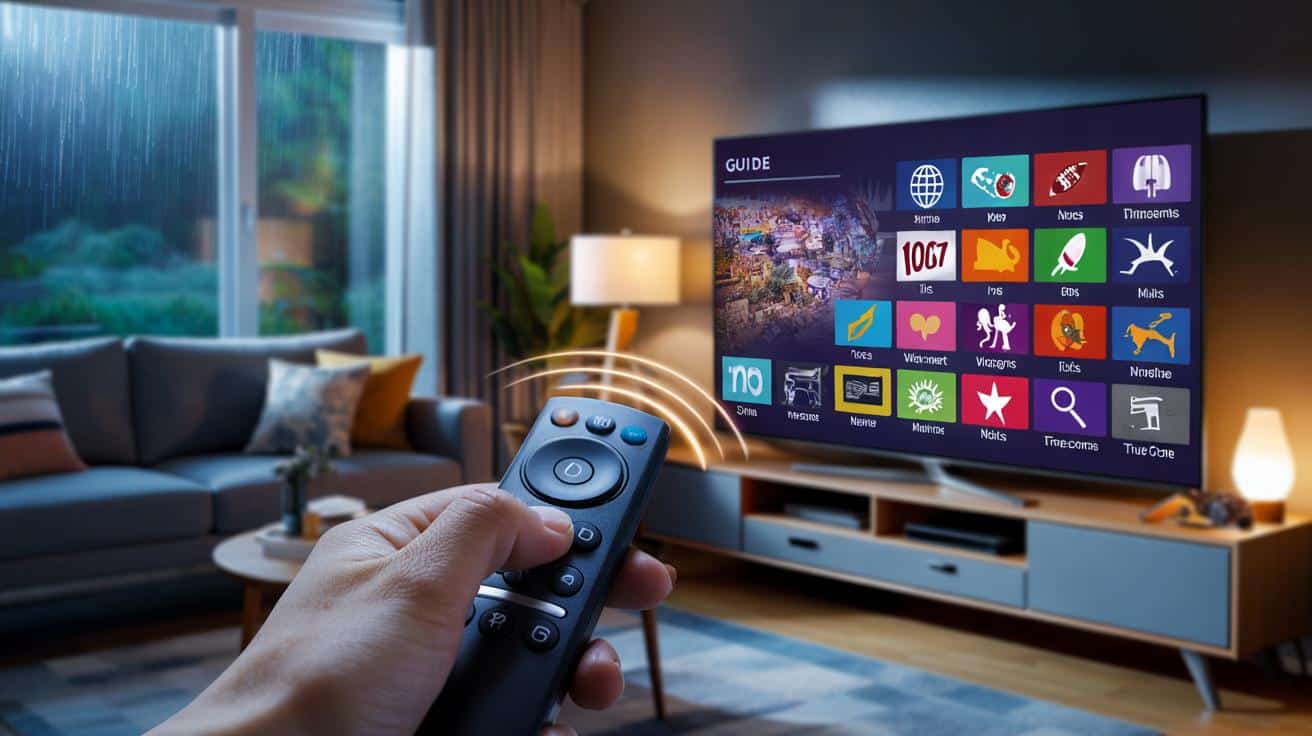
Not a hack, not pirate streams—legit feeds your TV maker tucked away under “Live TV,” “Guide,” or something that sounds boring. The catch? You need a tiny remote rhythm to wake them up.
I was round at a friend’s flat, rain needling the windows, football on somewhere we couldn’t afford. We’d cancelled two subscriptions that month and the room felt quiet in a strange, grown-up way. He flicked the remote like a magician, tapping three buttons with the confidence of someone who’s done this dance before. The TV guide bloomed with channels neither of us had seen—news, kids’ stuff, classic movies, a 90s music stream we forgot we loved. We’ve all had that moment when you swear there has to be something decent on without paying more. He handed me the remote with a grin. Three taps. A whole new guide.
Why free channels are tucked away on modern TVs
Manufacturers love new features, but they hate clutter. Many smart TVs ship with “internet channels” or FAST (free ad-supported TV) switched off or buried. The idea is you can add them when you want, not be forced into them on day one. That’s the polite version. The real story is a mix of licensing, regional rollouts, and simple menu sprawl. Your live guide likely has a second layer—IP channels—that lives alongside antenna or cable. It’s there. Just quiet by default.
The business model is straightforward. These channels run on adverts, not subscriptions. Samsung TV Plus, LG Channels, Google TV Live, Roku Live TV Zone—different names, same deal. Think themed streams: documentaries, retro films, headline news, pop-up sports talk. It’s TV that feels like TV, not endless app-hopping. One UK household survey found people spend more than seven minutes deciding what to watch every evening. That friction vanishes when you’ve got a rolling guide to drop into.
Technically, your TV builds a guide from two sources: broadcast and internet. Broadcast needs a scan. Internet needs a toggle. When the IP layer is off, your guide looks thin, like a high street at 6am. Flip it on and the set fetches a channel map from the web. That’s why a quick sequence on the remote works so well. You’re not unlocking a secret menu. You’re switching on a feed your TV was designed to carry, then letting it refresh the guide. No wizardry. Just a well-hidden switch.
The three-button trick that wakes the free channels
Here’s the simple rhythm most remotes understand: Guide → Options (the star or gear) → OK. Press Guide to open Live TV. Press the Options button to bring up channel settings or a “Manage Channels” pane. Then press OK on a toggle that’s often labelled “Internet Channels,” “Free TV,” “Samsung TV Plus,” “LG Channels,” or “Live TV (IP).” The wording changes by brand, the logic doesn’t. The moment you flip that toggle, the guide refreshes and a short scan runs in the background. Give it twenty seconds. You’ll start to see new rows of channels—often grouped above 200 or around 1000.
Common snags are normal. Maybe your remote doesn’t have a star; look for “Options,” “More,” or a small gear icon. If pressing Guide takes you nowhere, press Home first, choose Live TV, then the Options button. Some sets hide the toggle in Settings → Channels. Let’s be honest: nobody really does that every day. So think of the flow as three taps that open, reveal, and confirm. If you land in the service menu by “Info–Menu–Mute–Power,” back out immediately. That’s not the place. You’re aiming for the ordinary, friendly channel settings, not engineer mode.
This tiny ritual is repeatable and safe. You’re just enabling the IP layer your TV already supports. No subscription needed, no shady playlists, no side-loading. As one product manager told me during a demo:
“People aren’t short on content. They’re short on frictionless ways to land on something that’s already playing.”
If you prefer a crib sheet, here’s the compact version you can try tonight:
- Press Guide to open the Live TV grid.
- Press Options (star/gear) to open channel settings.
- Toggle Internet/Free/TV Plus/LG Channels to On, then press OK.
Brand-by-brand notes, plus what to expect
On Samsung, press Home, then Guide, then the Options button to find “Samsung TV Plus” under Channel Settings. Toggle on, and the TV will slot hundreds of IP channels into your guide, marked with a small icon. On LG, hit the Settings gear, then the quick settings “Channels” card; the same three taps apply: Guide → Options → OK to switch “LG Channels” to On. Sony/Google TV folds it under Live → Options → “Free TV channels” or “Live TV (IP).” On Roku TVs, press Home, then Guide; tap the star to open options and toggle “Live TV Channel Guide” sources to include streaming channels.
Don’t worry about missing a magic label. Look for these words: Internet, IP, Free TV, TV Plus, LG Channels, Live TV sources. If you see a setting called “Include streaming channels in guide,” that’s your green light. If you use an aerial, you can keep both layers—broadcast and IP—side by side. You might spot gaps on day one. That’s normal; new FAST channels roll in weekly. If your internet is flaky, the IP channels may ghost in and out. It’s not you. It’s the feed. It feels a bit like finding a fiver in an old coat pocket.
There are two small mistakes people repeat. The first is running a full broadcast rescan and thinking nothing changed. Aerial tuning won’t add IP channels; the toggle does. The second is sitting on a slow Wi‑Fi band. These streams are light, but not magic. If they stutter, try a 5 GHz network or Ethernet. The three-button trick is still your shortcut. When you get it right, the guide gets fat and friendly—kids’ TV before breakfast, background news while you cook, a movie channel for Friday night. As one neighbour told me after trying it, “It’s like the TV remembered how to be TV.”
What’s actually hiding in there? Lots. You’ll see genre rows: documentaries, sports chat, classic sitcoms, true crime, nature, even rail journeys for the insomniacs. Some sets add “continue watching” for live streams. On a good day in the UK, you can bounce between global newsrooms in under a minute. These are legit feeds, they just run on ads. **Hidden free channels** doesn’t mean suspicious. It means your TV maker stitched deals together so you can lean back again.
The other reason this feels liberating is the mental load. Apps are great when you know what you want. Free channels are great when you don’t. That moment after work where your brain wants noise, not choice? This scratches that itch. If you’re worried about data, most channels are SD or light HD. A few hours won’t torch your cap. If kids are in the house, filters still apply. Use the star/gear button again and hide anything you don’t want in the guide. You’re curating a lean-back world that suits your living room, not a stranger’s algorithm.
There’s also the lovely messiness of live TV. You stumble on a documentary mid‑way and keep it on. A music channel runs a decade you forgot. A niche sports replay rolls in at 2pm, and somehow that’s perfect. These channels change day by day. Some come and go with seasons. That’s fine. The guide learns to feel like a place again. And yes, you can still jump into Netflix afterwards. This isn’t either-or. It’s a third lane that costs nothing and gives your TV a heartbeat.
What this unlocks for your evenings
Pressing three buttons won’t change your life. It will change the texture of your evenings. The room gets quieter when you’re not negotiating with six apps and four logins. Friends drop by and there’s something playing without ceremony. You stop doom‑scrolling and start grazing. If you’re the house DJ, a 90s channel just became your co‑pilot. If you’re the parent, a kids’ block buys you ten honest minutes to chop onions. If you’re the sports tragic, shoulder programming feeds the appetite between big fixtures. Even the dog seems to settle when the news hums in the background.
The real win is the feeling of control. You can still pay for the prestige stuff and queue a series for the weekend. Meanwhile, the guide puts a soft carpet under your weekday. The idea isn’t new. It’s the delivery that finally works: a tidy grid, a toggle that stays on, channels that don’t nag for money. When you tell a friend about it, they’ll look sceptical, then they’ll try it. Then they’ll text you a photo of their swollen guide with a daft caption. I got three of those last week. And I smiled at every one.
| Key point | Detail | Interest for the reader |
|---|---|---|
| Three-button flow | Guide → Options (star/gear) → OK on the Internet/Free channels toggle | Fast, repeatable way to surface hidden channels |
| FAST/IP channels | Ad‑supported live streams integrated into the TV guide | Live TV without new subscriptions or apps |
| Common pitfalls | Broadcast rescan doesn’t add IP channels; weak Wi‑Fi causes stutter | Fix issues quickly and keep the experience smooth |
FAQ :
- Will this work on my older TV?If your set has a Live TV guide and an Options/star/gear button, there’s a good chance. Look for “Internet/Streaming/Free channels” in channel settings.
- Do I need an aerial?No. The IP channels ride your broadband. You can keep aerial channels as well if you have one.
- Is this legal and safe?Yes. These are official channels from your TV maker’s partners. Avoid service menus or third‑party “secret codes.”
- Why don’t I see many new channels?Regions vary. Give it a minute to populate, then check for “Include streaming channels in guide.” Some brands roll updates over weeks.
- Can I hide channels I don’t want?Yes. Press Options in the guide and choose “Manage channels” or “Hide.” Curate it to your taste.








Tried this tonight on my LG—Guide > Options (gear) > OK on “LG Channels”—and the guide literally doubled. Found a 90s music stream I forgot existed and a rail journeys channel for zoning out after work. No apps, no logins, just rolling stuff. Didn’t know FAST was this decent.
Sounds great, but is this actually available outside the US/UK? I’m in Ireland and those toggles are often missing or empty. Any list of regions/brands where “Internet/Free channels” is supported, or am I chasing ghosts?